Manage from product
Manage a specific product's group membership directly from the Product card.
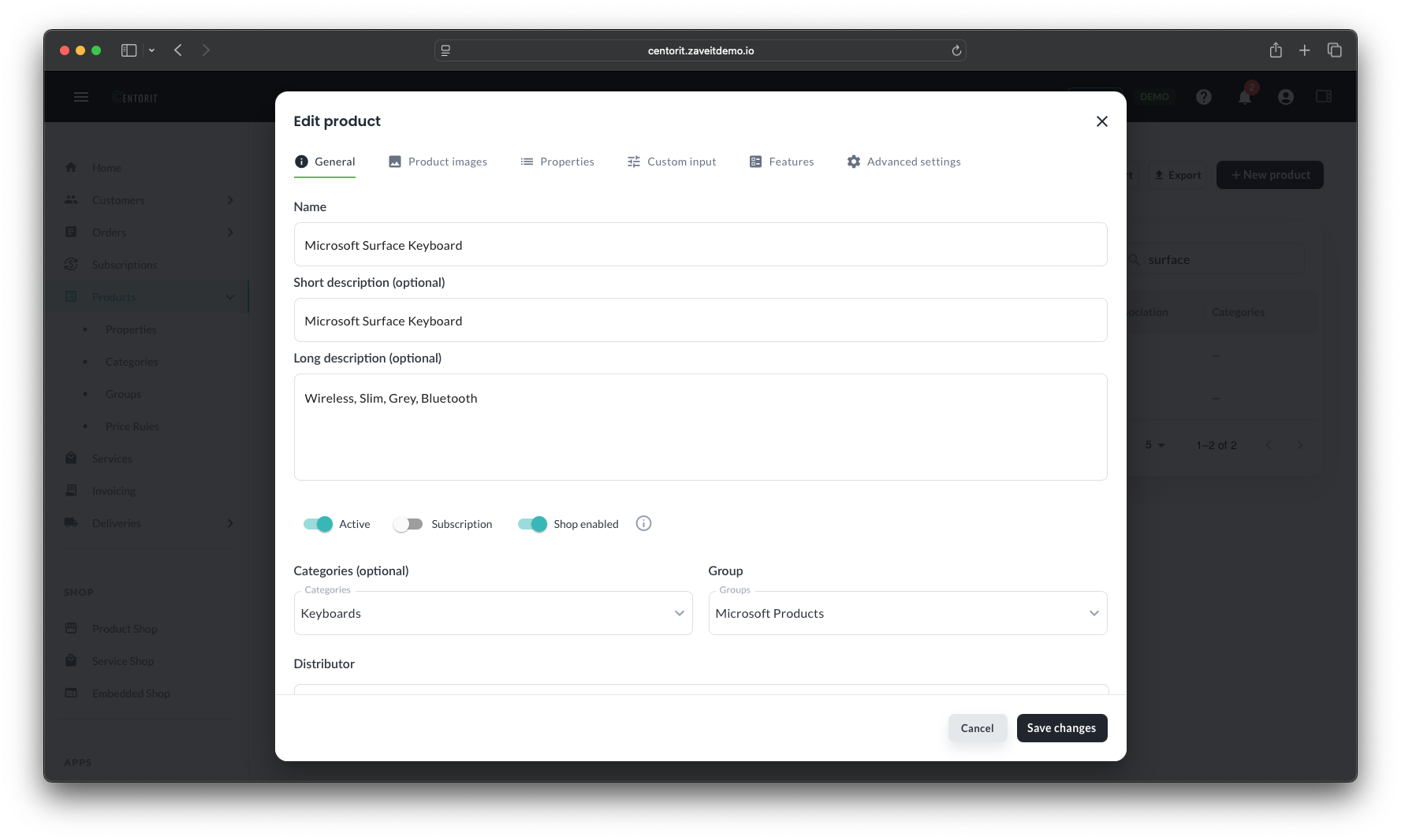
View group membership
Open a product and locate the Group on the product card. This dropdown lists all groups the product belongs to.
Add the product to a group
- Click the dropdown in the Group section.
- Select (check) one or more product groups from the dropdown list.
Remove the product from a group
- Find the group in the Group dropdown list
- Uncheck the product group from the list
Effects
- Group-based pricing applies to these products when creating new orders and subscriptions.
- Changes take effect immediately.