Where the enriched content appears
Once your products have a Vendor and Vendor SKU set (see Set up Vendor and Vendor SKU), Product Specifications shows up automatically across the customer-facing parts of the platform. There is nothing to publish or refresh manually - the next page load picks up the latest content.
WebShop product list
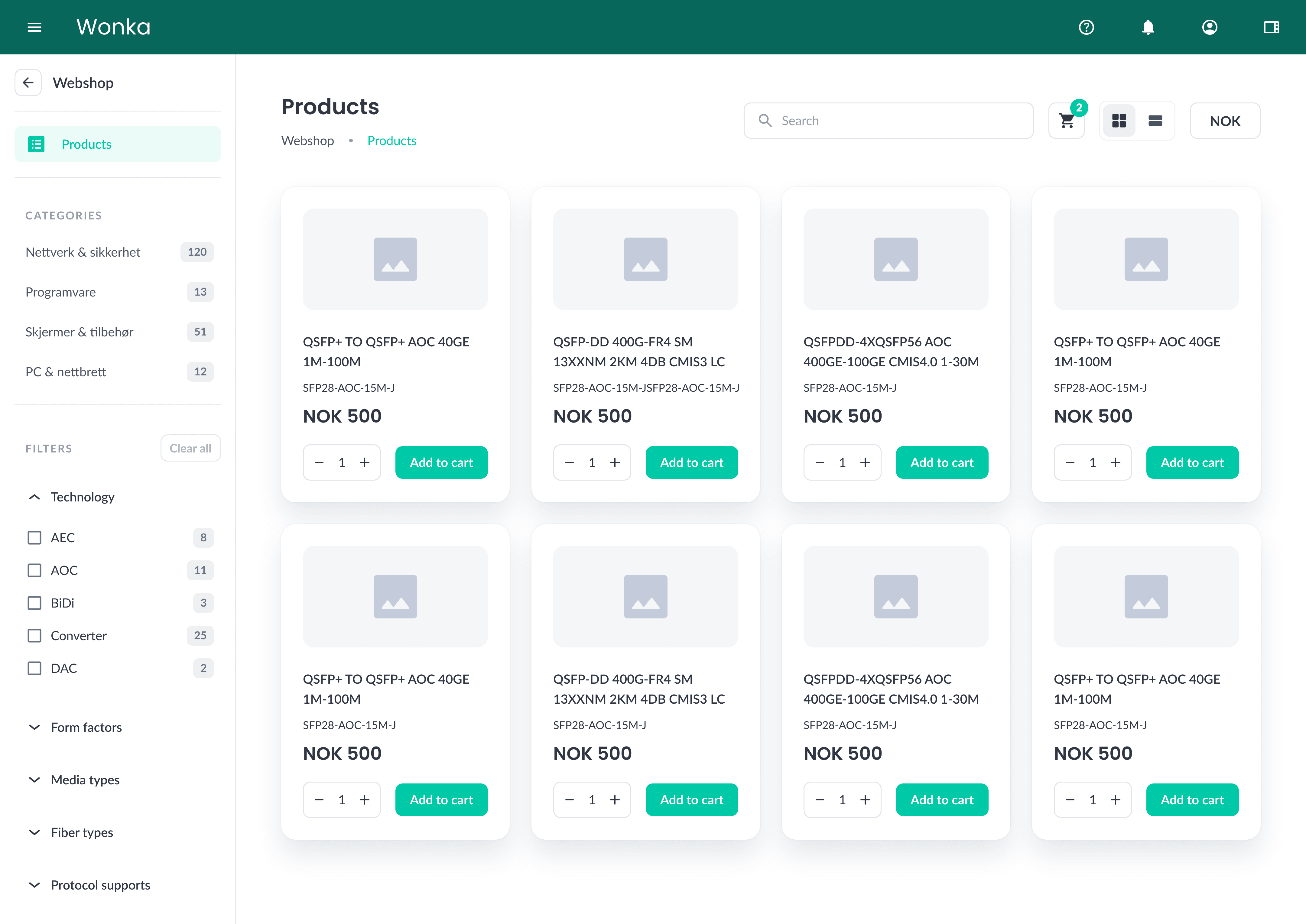
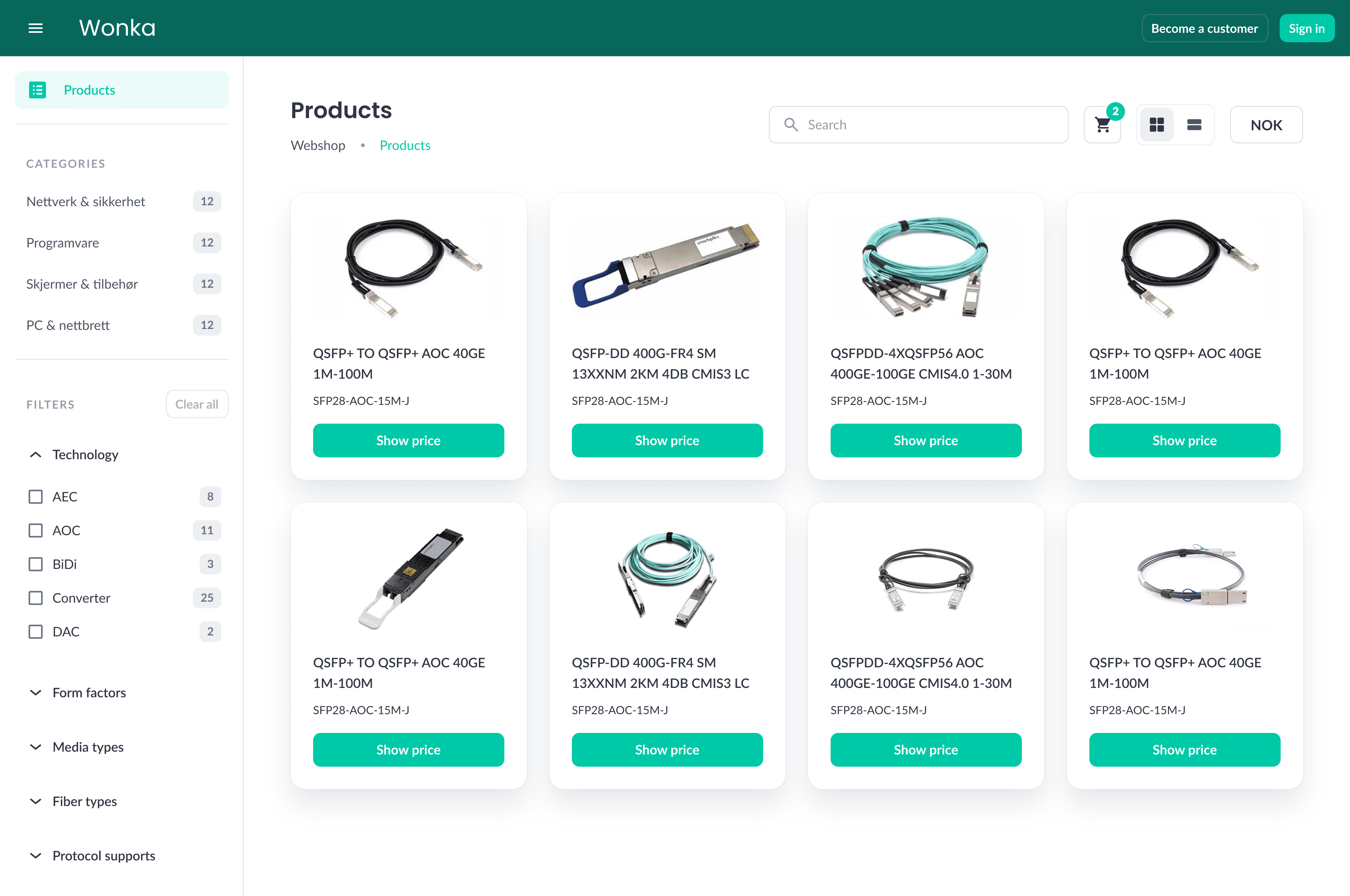
On the WebShop product list, each product card shows the manufacturer image whenever ZaveIT finds a match. Without Product Specifications, products that have no uploaded image fall back to the placeholder icon.
If a product already has images uploaded manually, those are shown instead of the manufacturer image returned from the catalog. This lets you override the default with your own visuals - for example, a regional variant or a custom studio shot - whenever you want to.
Without Product Specifications - placeholder icons on every card:
With Product Specifications - manufacturer images load on each matched product card:
WebShop product detail page
Clicking a product in the WebShop opens the product detail page. With Product Specifications enabled, the page is enriched with:
- A primary product image and a gallery of additional images.
- A Product info / Specifications table containing detailed manufacturer-supplied attributes such as resolution, dimensions, connectors, energy class, warranty, and more.
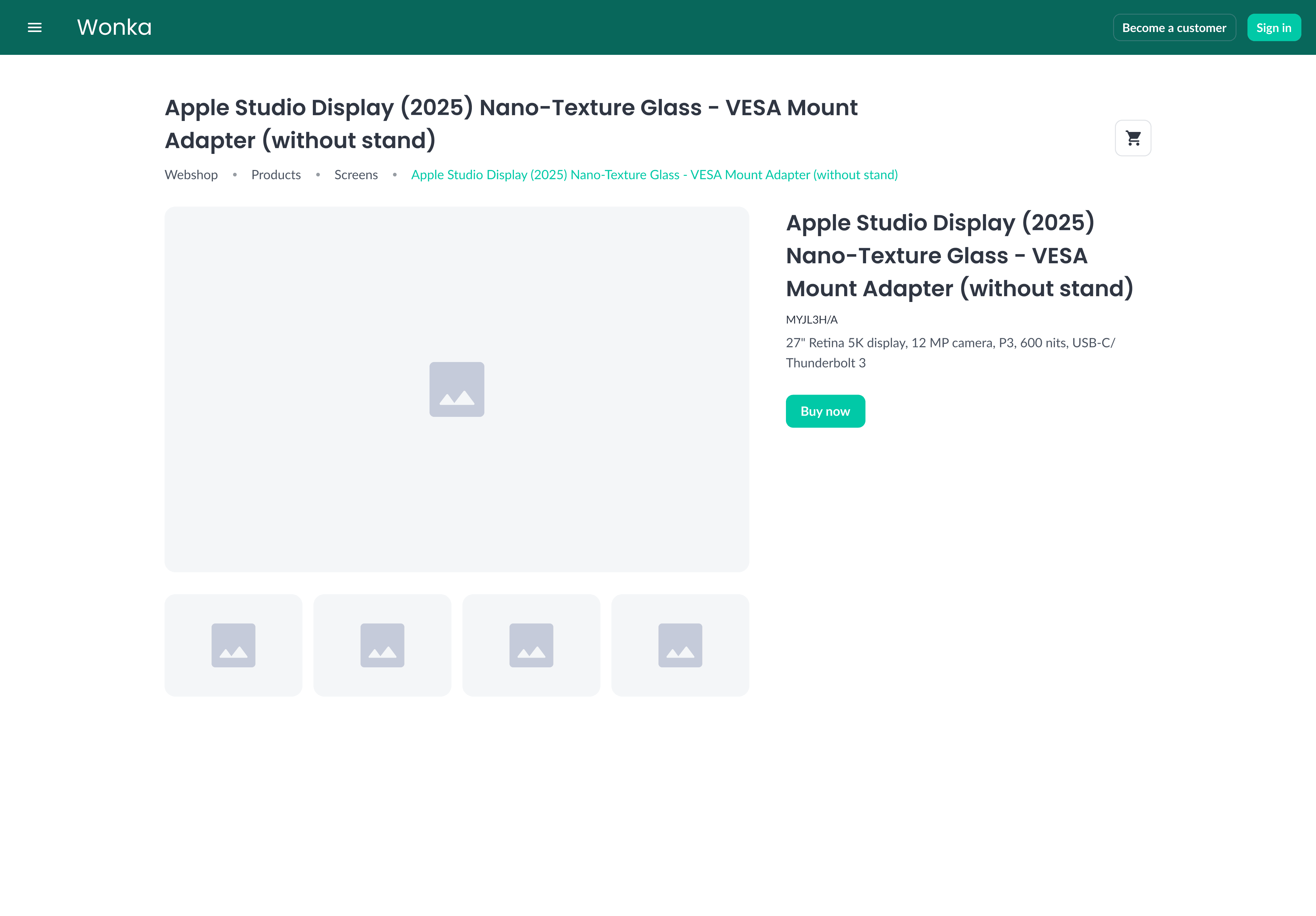
The example below shows the same product before and after the enriched content is available.
Without Product Specifications - placeholder image, only the basic information you entered yourself:
With Product Specifications - manufacturer images, image gallery, and a full specification table:
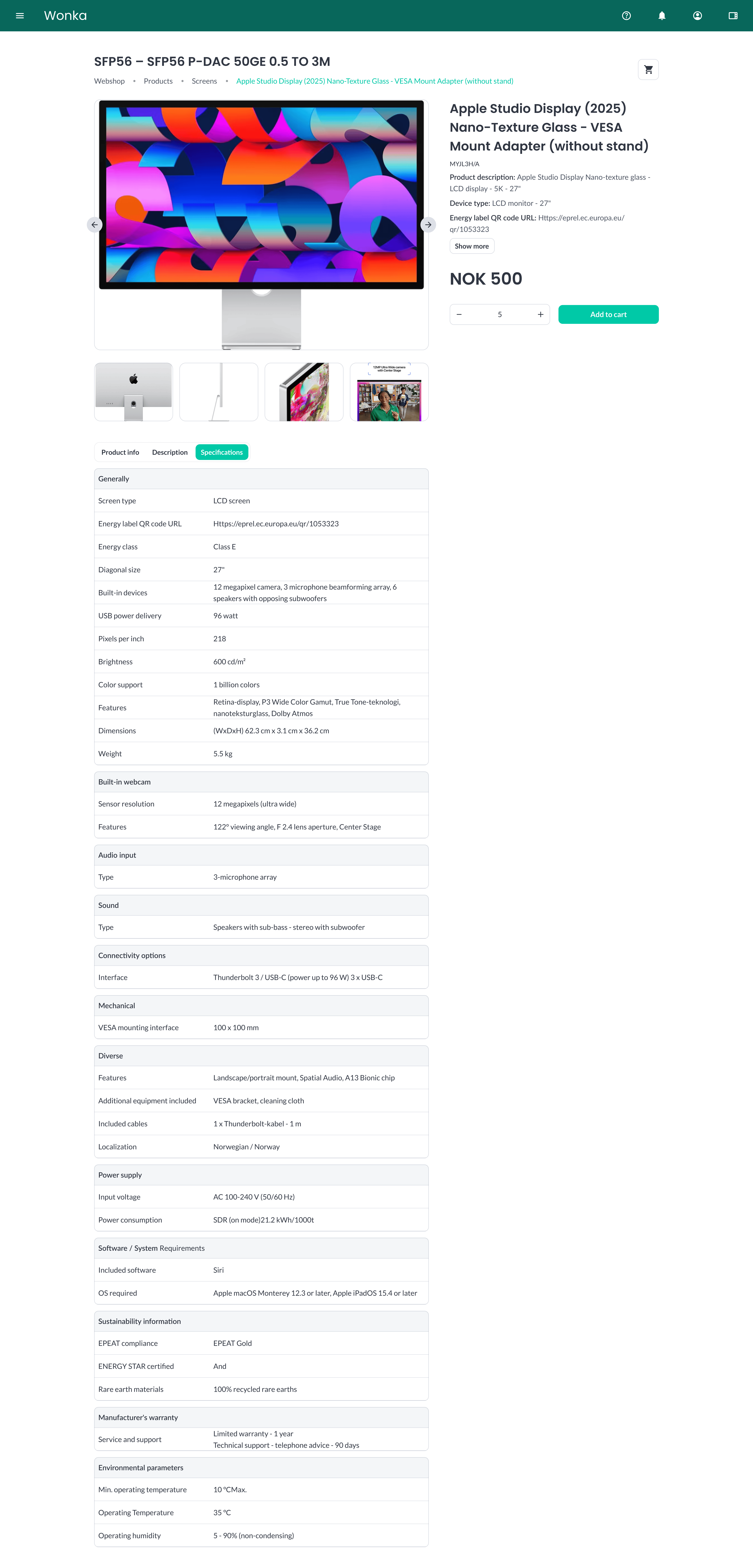
The exact set of attributes shown in the specification table depends on what the manufacturer publishes for that product. Different product categories will show different attributes, and not every product will have every field populated - see the coverage note on the overview page.
Custom Pages
Products that you highlight to your customers through Custom Pages also have their images fetched automatically. Any product card displayed on a custom Home page - whether in a Standard or Featured product section - will use the enriched manufacturer image as long as the Vendor and Vendor SKU are set.
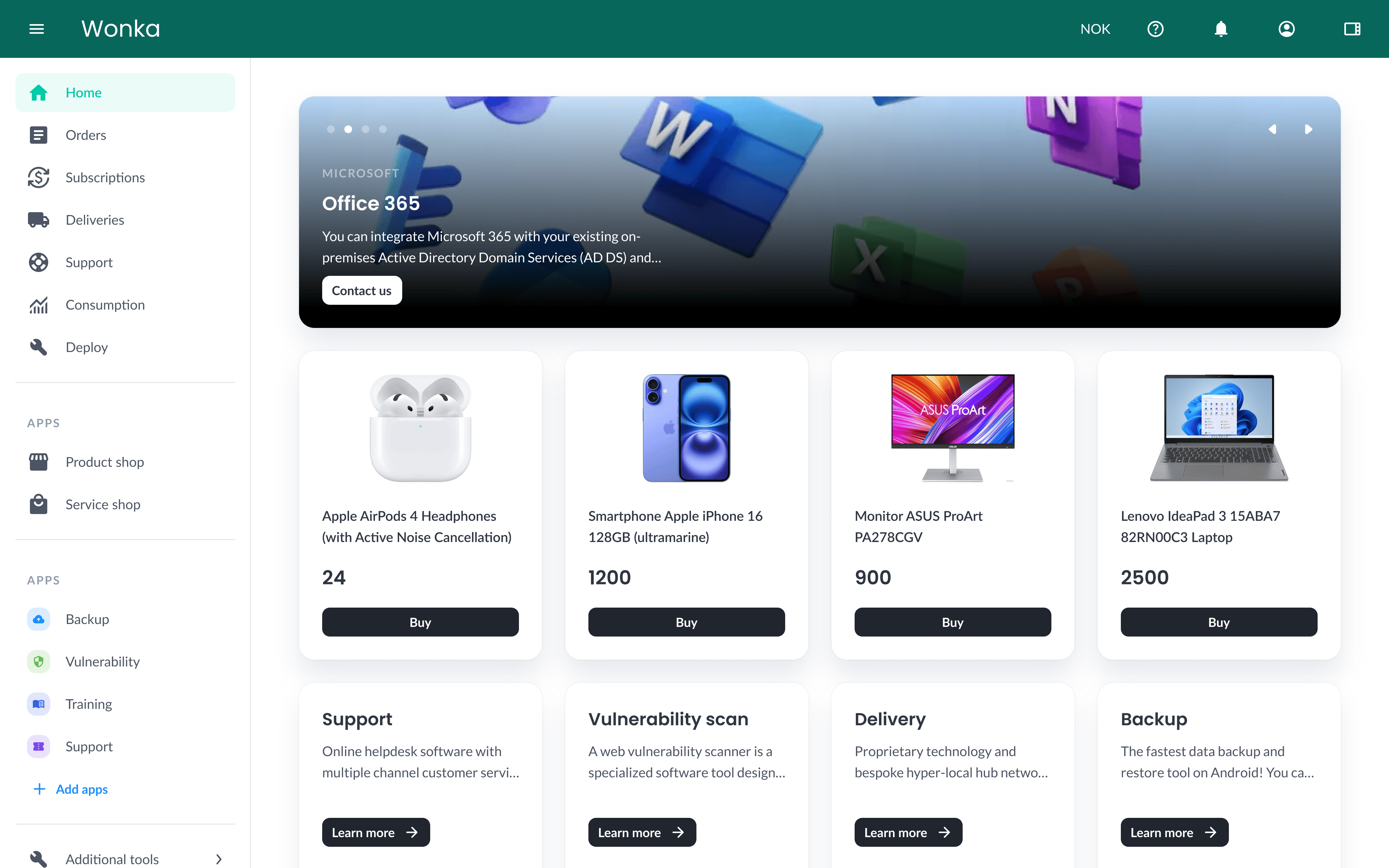 Curated product cards on a Custom Page, with each image loaded automatically.
This means a Custom Page built around a curated selection of products will look polished and on-brand without any extra image work from your team.
Related topics
- Set up Vendor and Vendor SKU - Make sure each product is mapped correctly.
- Importing from CSV - Map Vendor and Vendor SKU during a CSV import.
- Custom Pages - Build curated Home pages for your customers.
- WebShop - Where customers see the enriched product content.